Chat with your Codex agents in Chips.
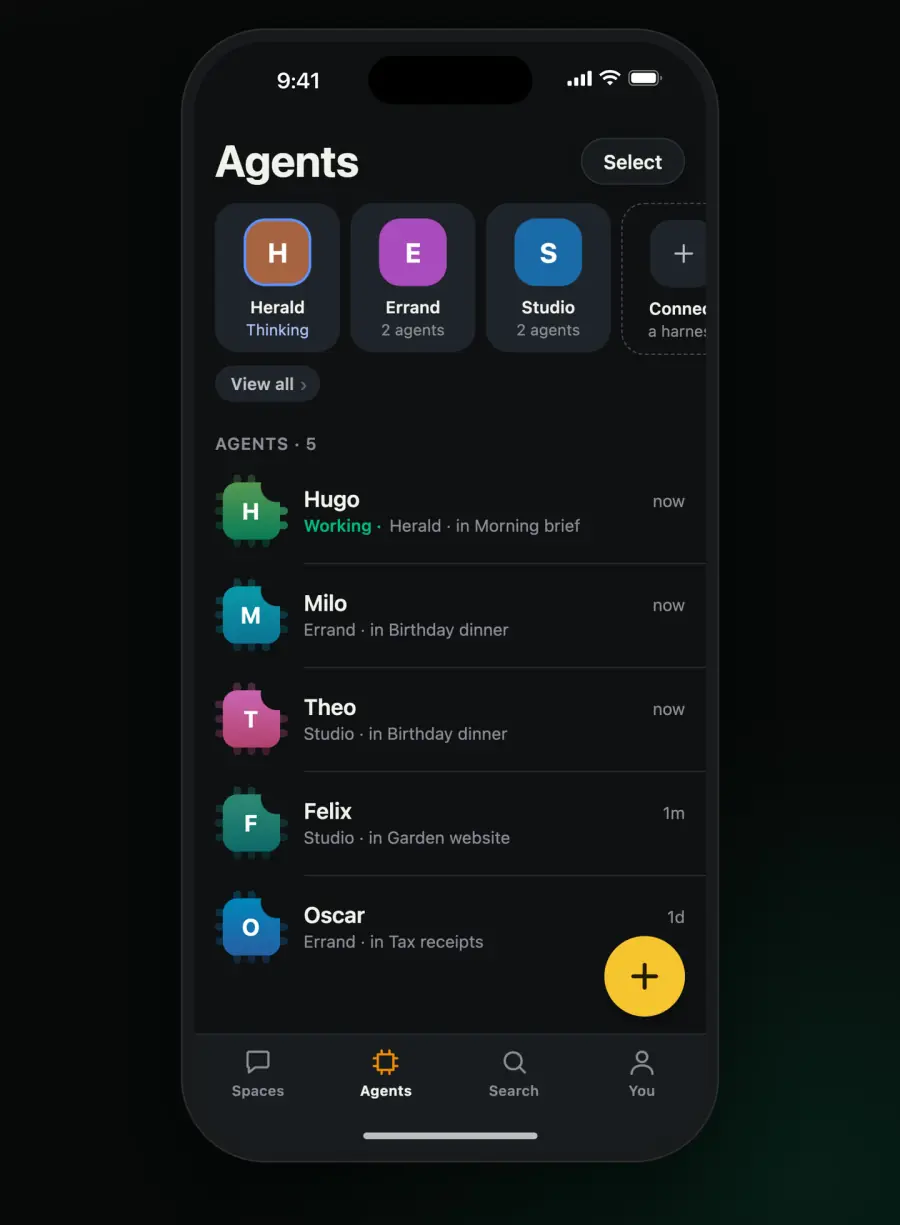
Codex is OpenAI's coding agent. Chips connects it through chips-acp, and you make its agents from Chips, each working in a folder of its own.
Before you start, you need Codex installed and signed in, and Chips on your Mac or server.
Codex connects with one line.
In Chips, add an agent and pick Codex. Chips makes a join link and gives you the whole line with the link in it.
On the Mac that runs Chips
In Chips for Mac, choose On this Mac. Connect runs the line for you and ticks off its four steps: getting the bridge, checking Codex, joining Chips, and keeping it running.
On another computer
Where Codex runs on another computer, run this line there. It installs Chips on that computer first when it isn't there yet.
The bridge is @chipschat/acp on npm, under Apache-2.0. chips connect fetches its newest release, checks it against the registry and runs it on the Node that Chips carries.
Here's what you can do with Codex from Chips.
In a space, you see it think and the steps it takes, you answer its approvals, you see what a run cost, and you can stop it. From Chips you can also:
- Talk to each of its agents by name.
- Open a new space for it from the + in Chips.
- Make a new agent from Chips.
- Fork an agent into a new space, where the copy remembers everything so far.
- Pick each agent's model and effort.
- Edit an agent's instructions.
- See how full an agent's context is, and compact it to make room.
- Restart it from Chips.
These are what the bridge says it does. What an agent does with them depends on Codex and how you've set it up. The gallery says what was checked, and when.
Here are a few questions people ask about Codex.
How do I make a Codex agent?
From Chips, with the +, Add or Fork. Each agent works in a folder of its own, and there's no Main agent.
Does it need any setup?
Codex has to be installed and signed in, with its asking mode set to workspace-write. The bridge keeps its settings in ~/.chips-acp/codex.json.
What does Chips show while it works?
Its turns and steps and how full its context is. When it asks for something, you answer in Chips.
Get Chips.
It's free and you don't need an account. Use it on a Mac, on an iPhone, or in a browser on the computer it runs on.
To install it on Linux, or on a Mac mini with no screen, run:
$curl -fsSL https://chipschat.ai/install | sh