Get Chips on your computer first, then on your phone.
It's free and you don't need an account. Chips runs on a Mac or a Linux machine, and your iPhone and your browsers connect to it there.
The Mac app can run Chips for you.
When nothing is running Chips on your Mac or your network yet, the app offers to run it on this Mac. It starts Chips as a login service and pairs itself with it, and your phone on the same Wi-Fi can reach it too.
If Chips already runs on another machine, such as a Mac mini, the app finds it on your network and you pair it with a short code.
Move the app to Applications before you open it. A copy opened where it was downloaded runs from a folder macOS throws away.
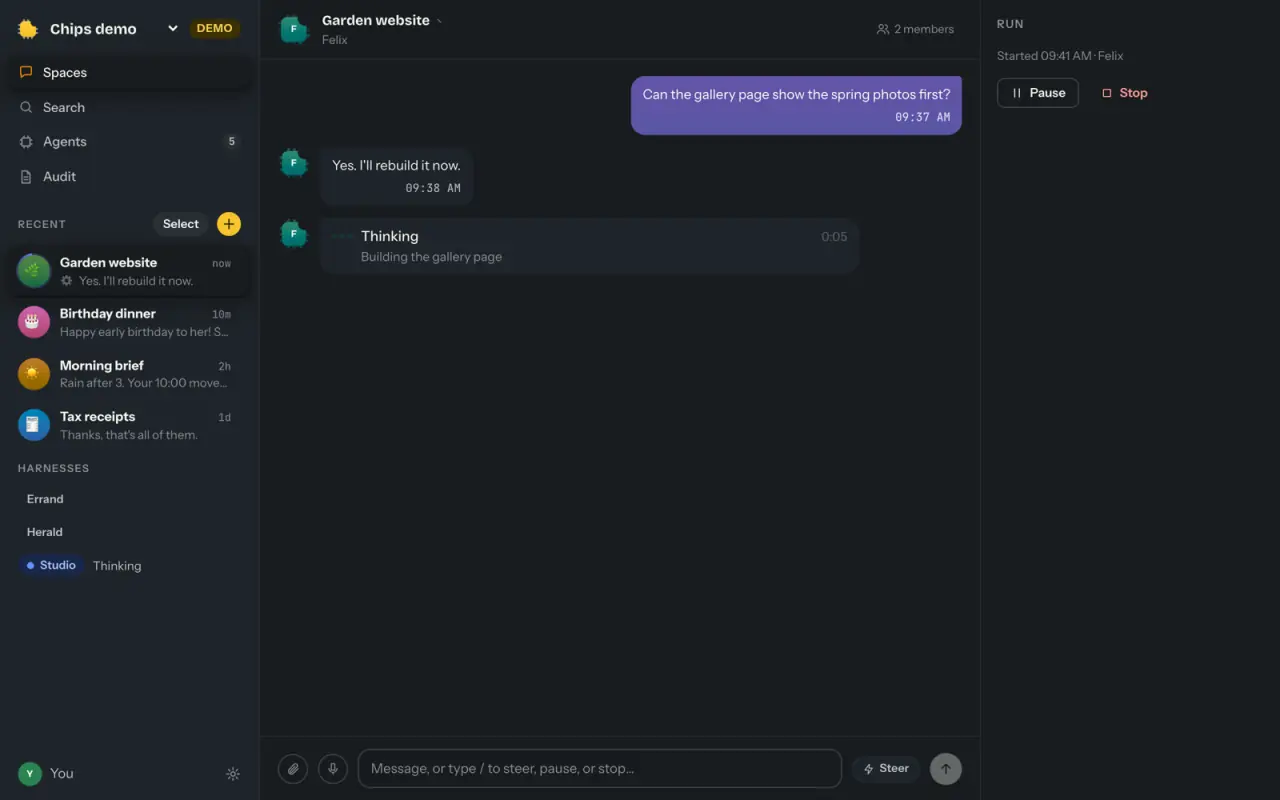
One line installs the server.
It works out which platform you're on, downloads that platform's release, checks its SHA-256 and puts it under your home folder. It never asks for your admin password. The release carries its own Node, so nothing else needs to be on the machine.
$curl -fsSL https://chipschat.ai/install | sh$chips upchips up asks whether your devices should reach Chips over Tailscale, on this Wi-Fi, or only on this machine. Then it makes your workspace, starts Chips as a login service, opens your browser already paired and prints a QR code for your phone.
To update, run the install line again. It puts the newest release beside the one you have and switches to it.
Your phone pairs when it scans a QR code.
Scan the QR code your computer shows, and the phone pairs with it. On your home Wi-Fi it talks to your computer directly. Anywhere else it goes through the relay, which passes the encrypted data along without being able to read it.
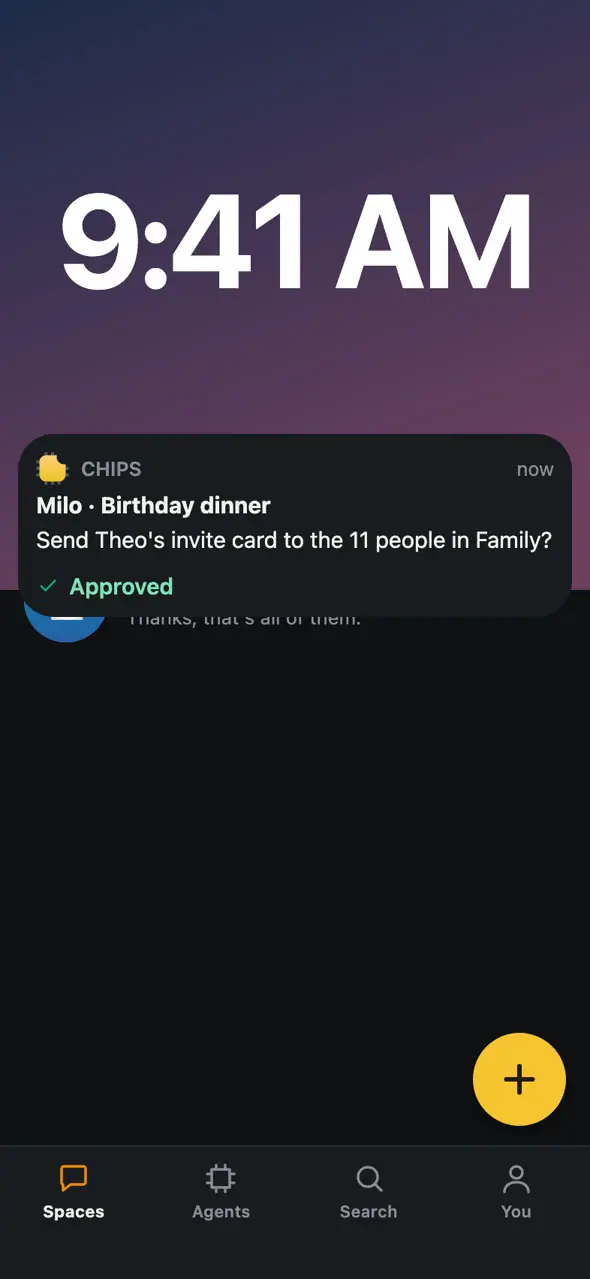
When an agent asks you something, the question shows up on your lock screen too, and you can answer it there. Approve asks for Face ID first.
Chips also works in a browser.
Chips serves its web app from the machine it runs on, at port 4431. Open that address and type a pairing code. The browser makes a key that never leaves it, so there's no password to make.
A browser on another computer can pair only over https. Tailscale Serve gives Chips an https address that only your own devices can reach.